
Quick View and Buy Now for WooCommerce
Empower your E-commerce site with The most advanced Quick View and Buy Now plugin. make it easy for your clients and encourage them to complete the purchases.
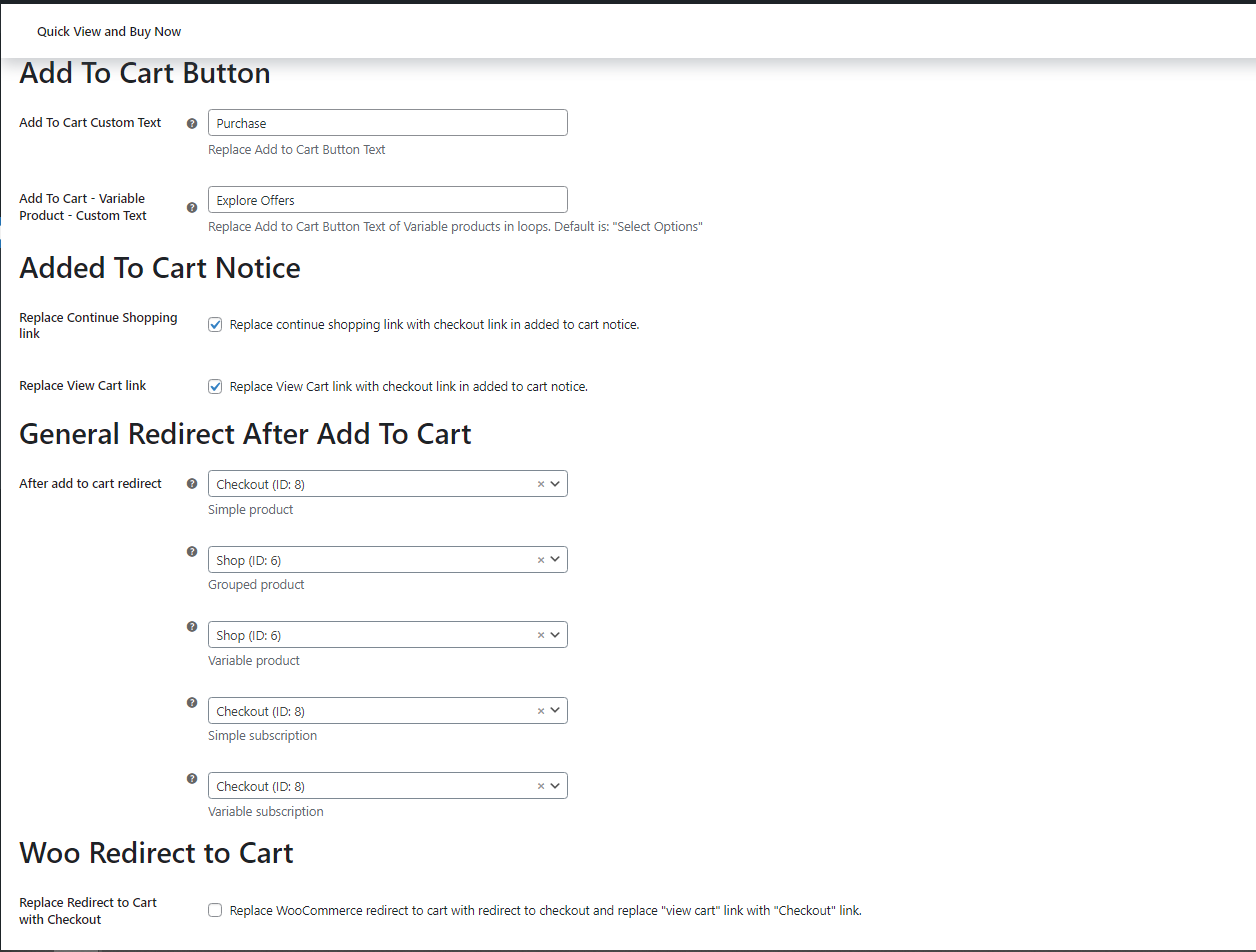
Add To Cart
- Change Add to Cart Buttons Label.
- Custom redirects after add to cart per product type [ Direct Checkout ]
- Adjust Added to cart notice.
- Replace WooCommerce redirect to Cart with redirect to Checkout [ Direct Checkout ]
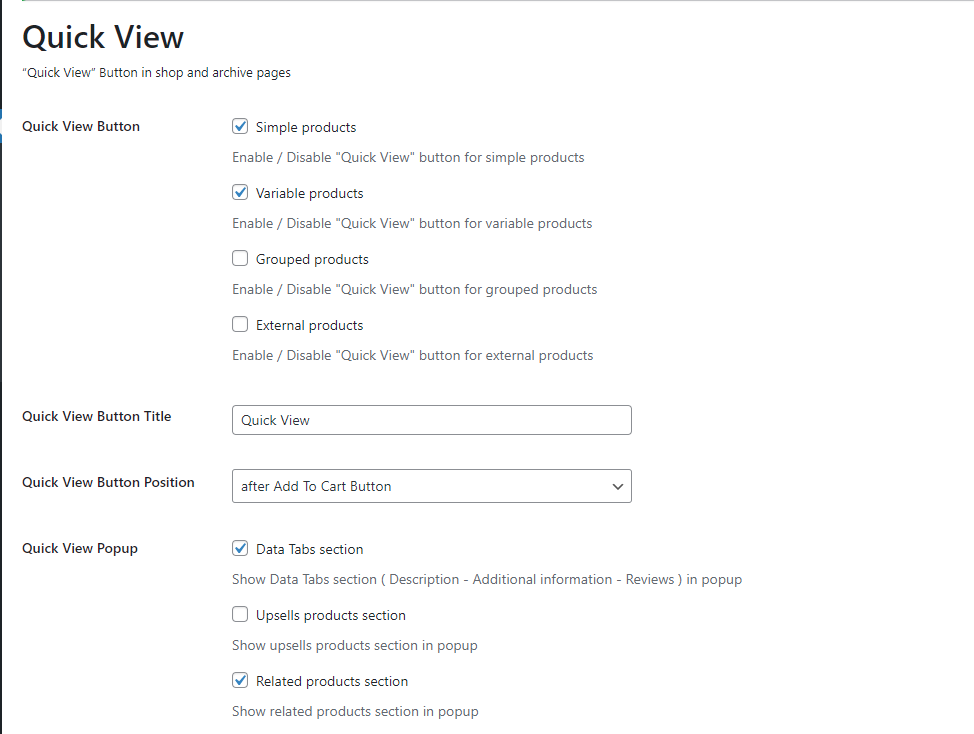
Quick View
- Choose to show the Quick View button by products type
- Add custom label of the Quick View button
- Select to add the Quick View button before or after the Add to cart button
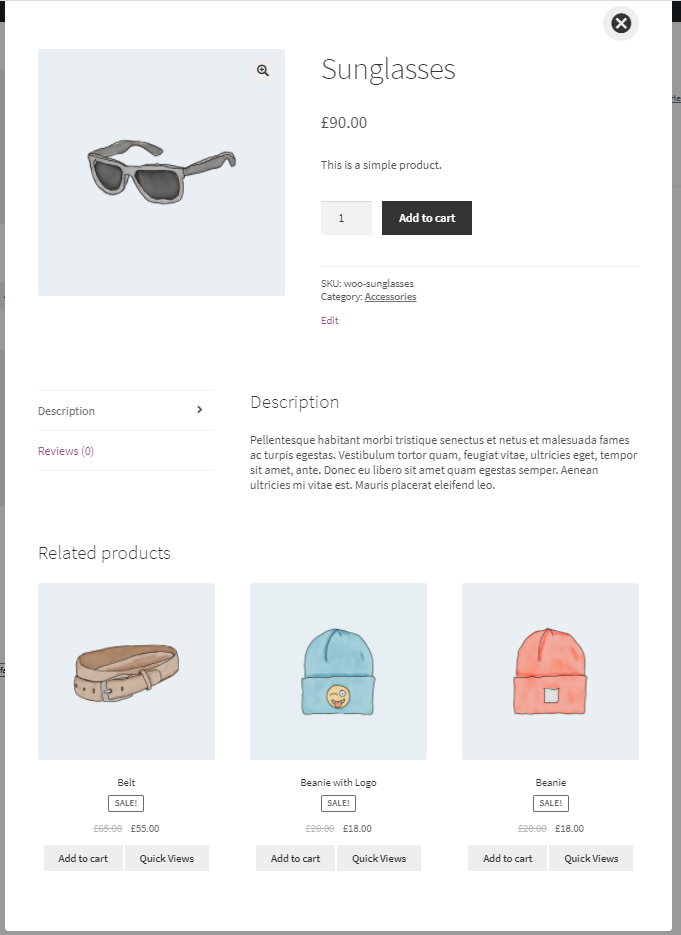
- Select which other sections to show in the Quick View Popup
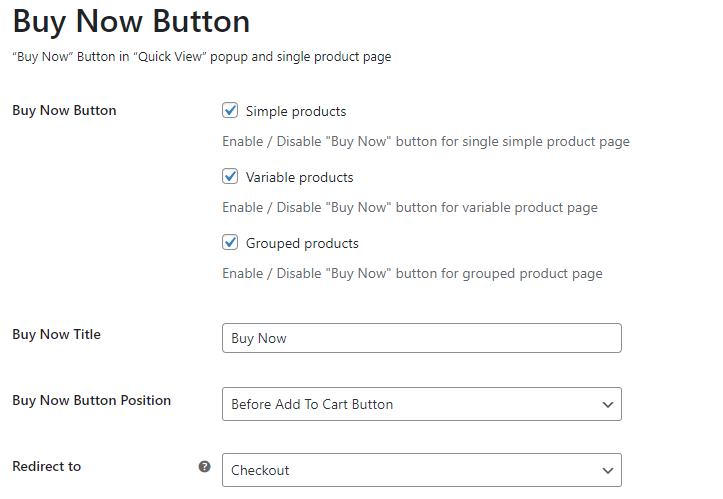
Buy Now
- Choose to show the Buy Now button by products type
- Add custom label of the Buy Now button
- Select to add the Buy Now button before or after the Add to cart button
- Select to redirect after Buy Now to checkout or cart page
Quick View Popup Animation
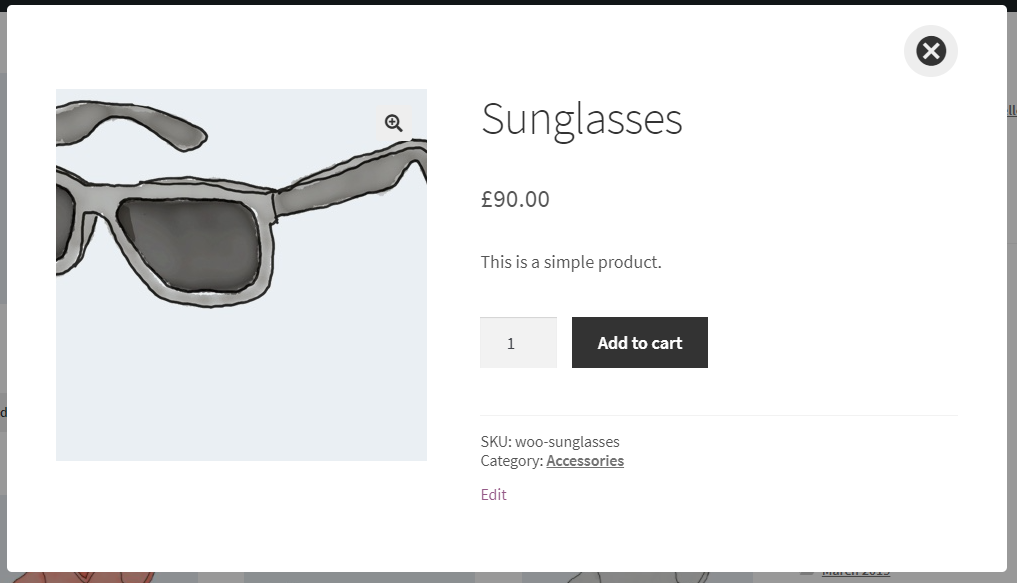
choose custom style animation from animate.css styles for opening and closing the Quick View popup.

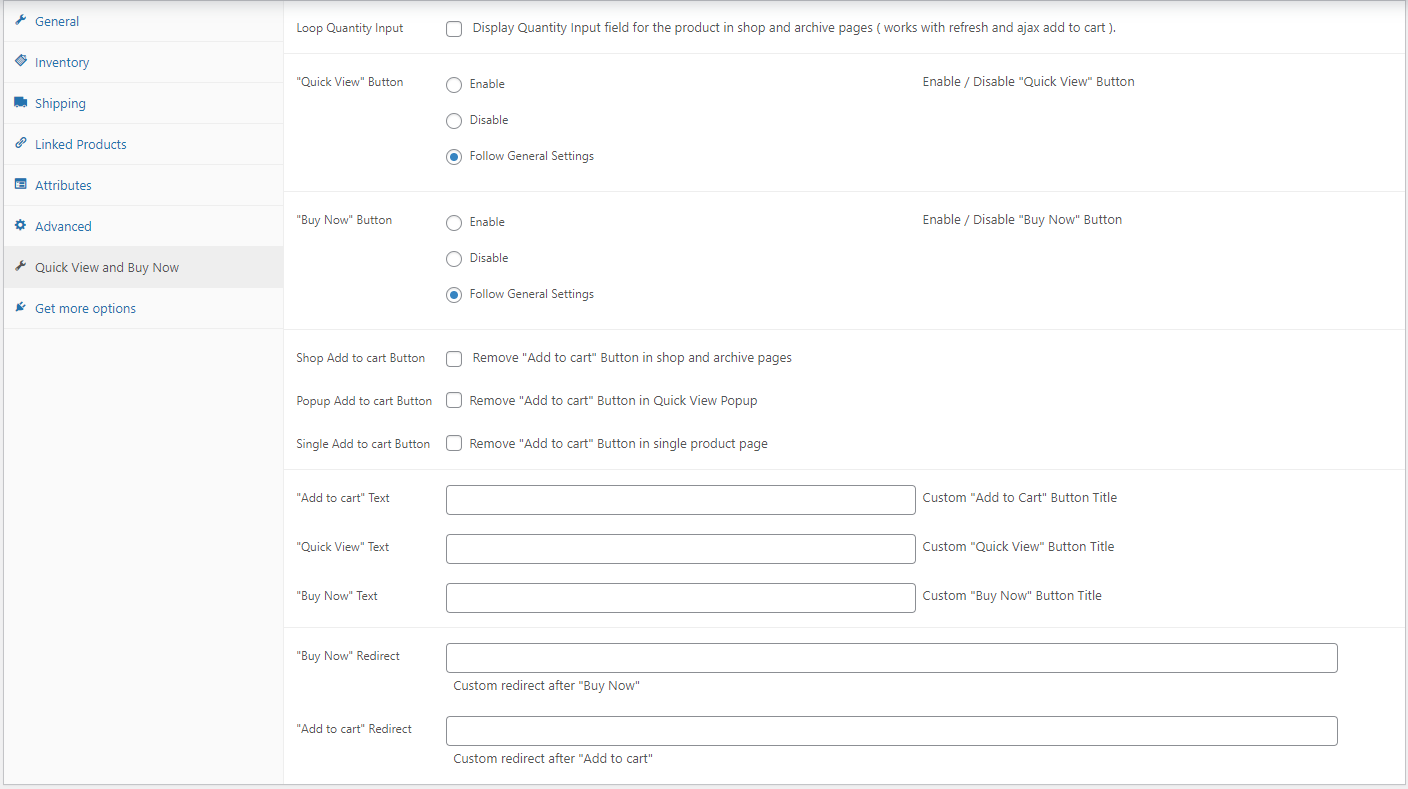
Custom Options for each product
- Add Quantity input field for simple product in shop and archive page.
- Enable – Disable Quick View button.
- Enable – Disable Buy Now button.
- Enable – Disable Add to Cart button in [ shop – quick view popup -single page ]
- Custom Title for Add to Cart – Quick View – Buy Now buttons.
- Custom redirects after Buy Now and Add to Cart
Customize the Quick View Popup Sections
Choose which sections after the product to show in the Quick View popup
- Data Tabs Section [ Description – Additional information – Reviews – … ]
- Upsell Products Section
- Related Products Section
Checkout
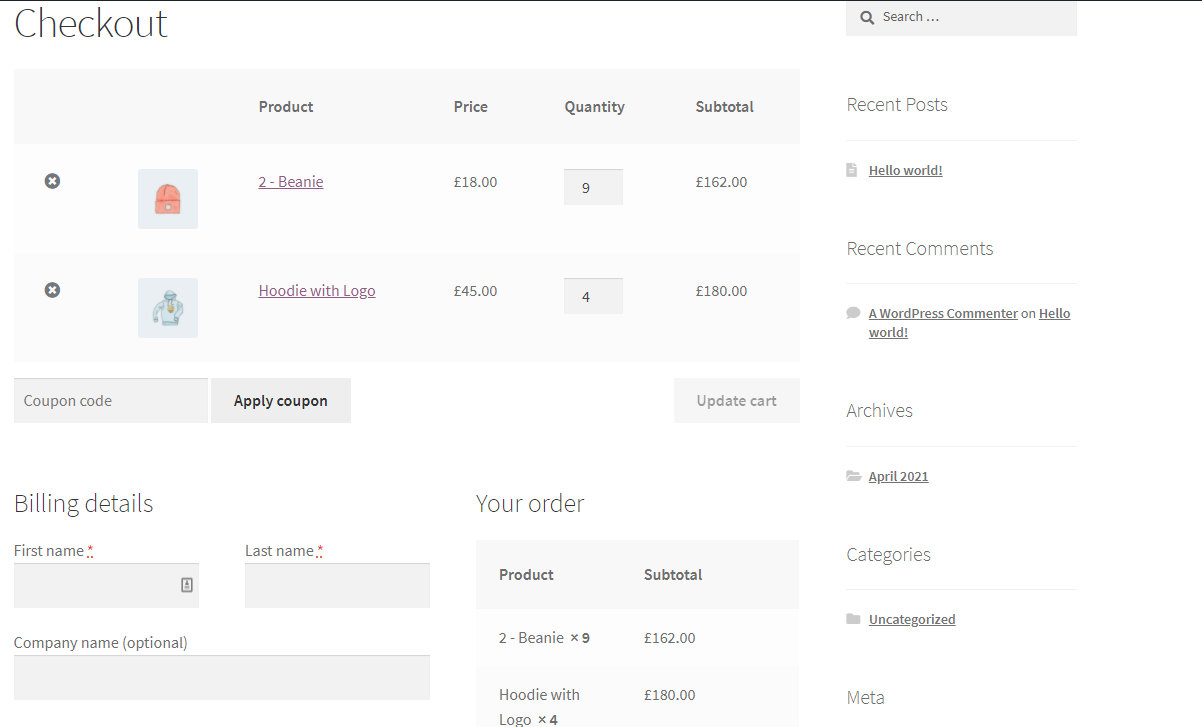
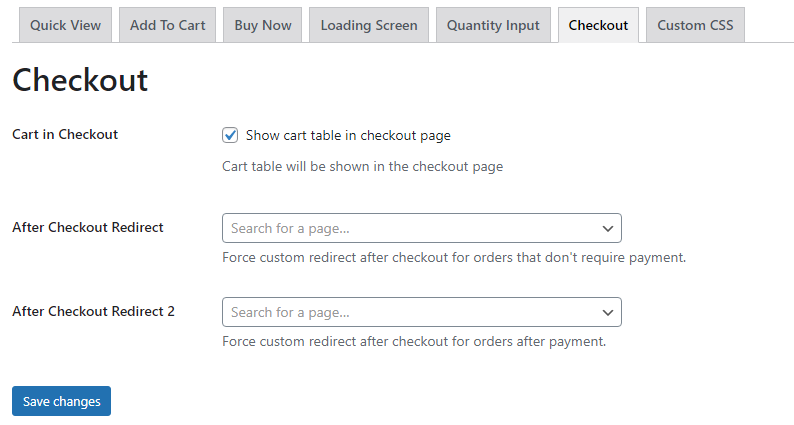
- An option to display the Cart content in the Checkout page.
- Custom redirects after checkout for order with or without payment.
Custom Styles
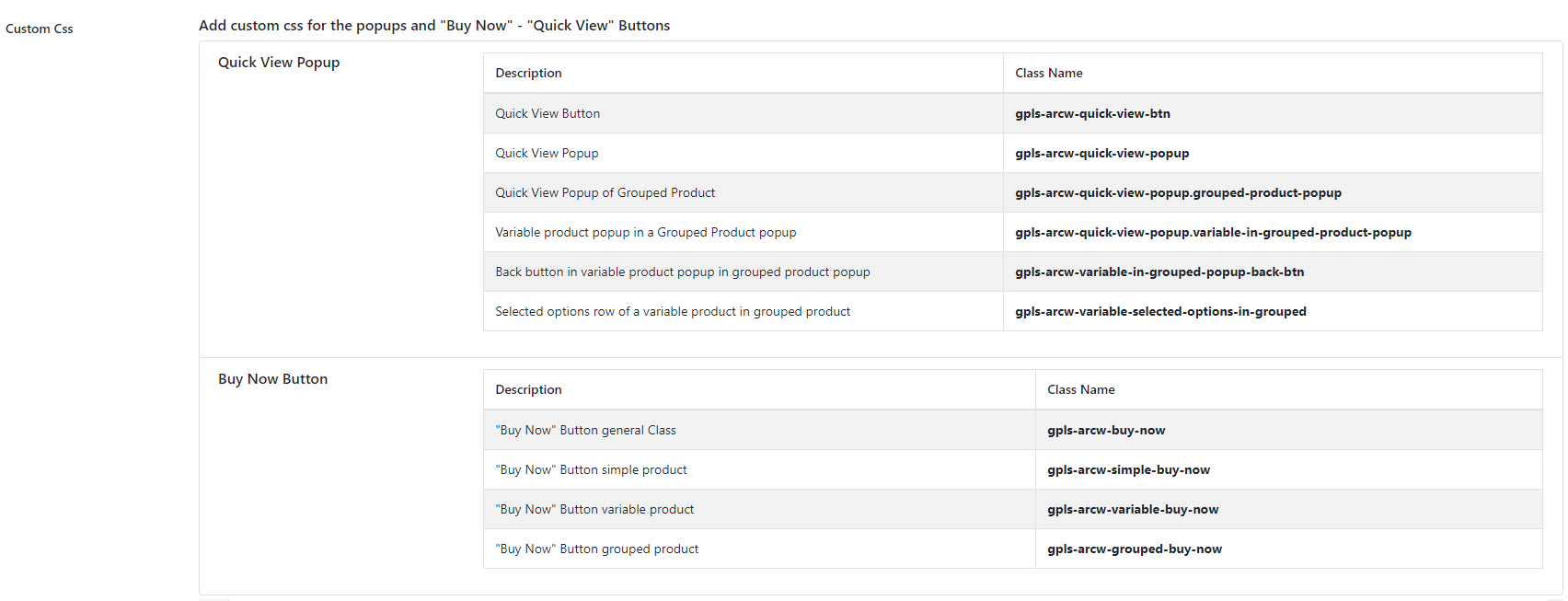
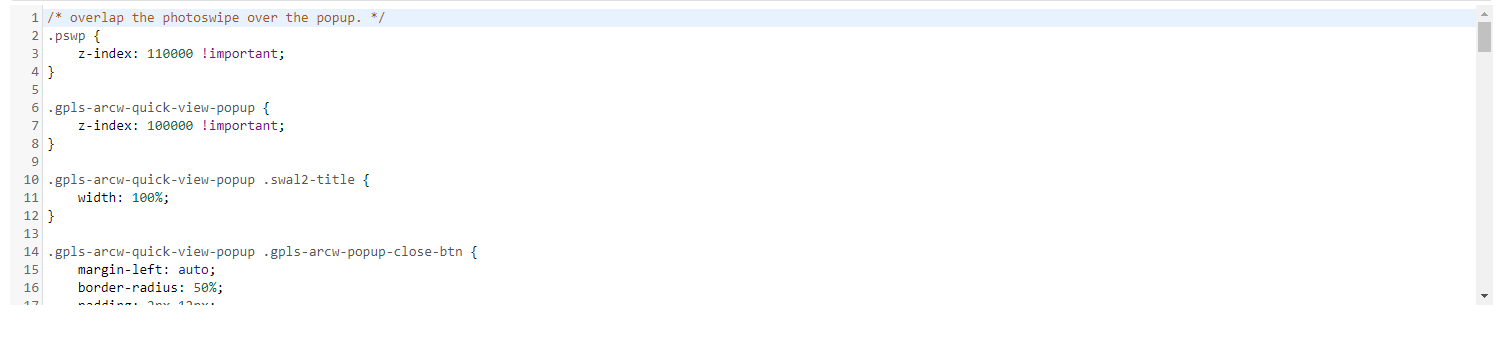
Easily added custom css styles for Quick View and Buy Now in the custom CSS section.
V 2.1.5
YITH Bundle Product plugin Integration
Loop Buy Now Button
Loop Buy Now
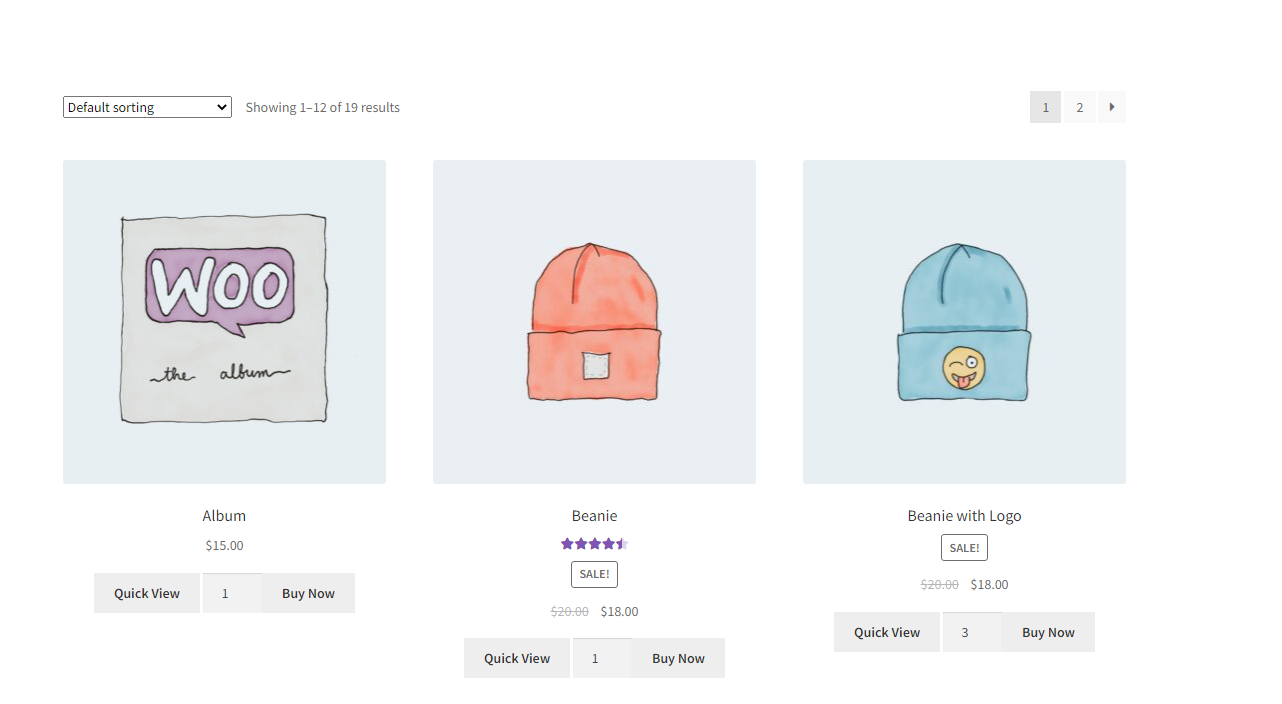
Add Buy Now button in shop and archive pages for simple and bundle products.
V 2.2.0
Loading Screen
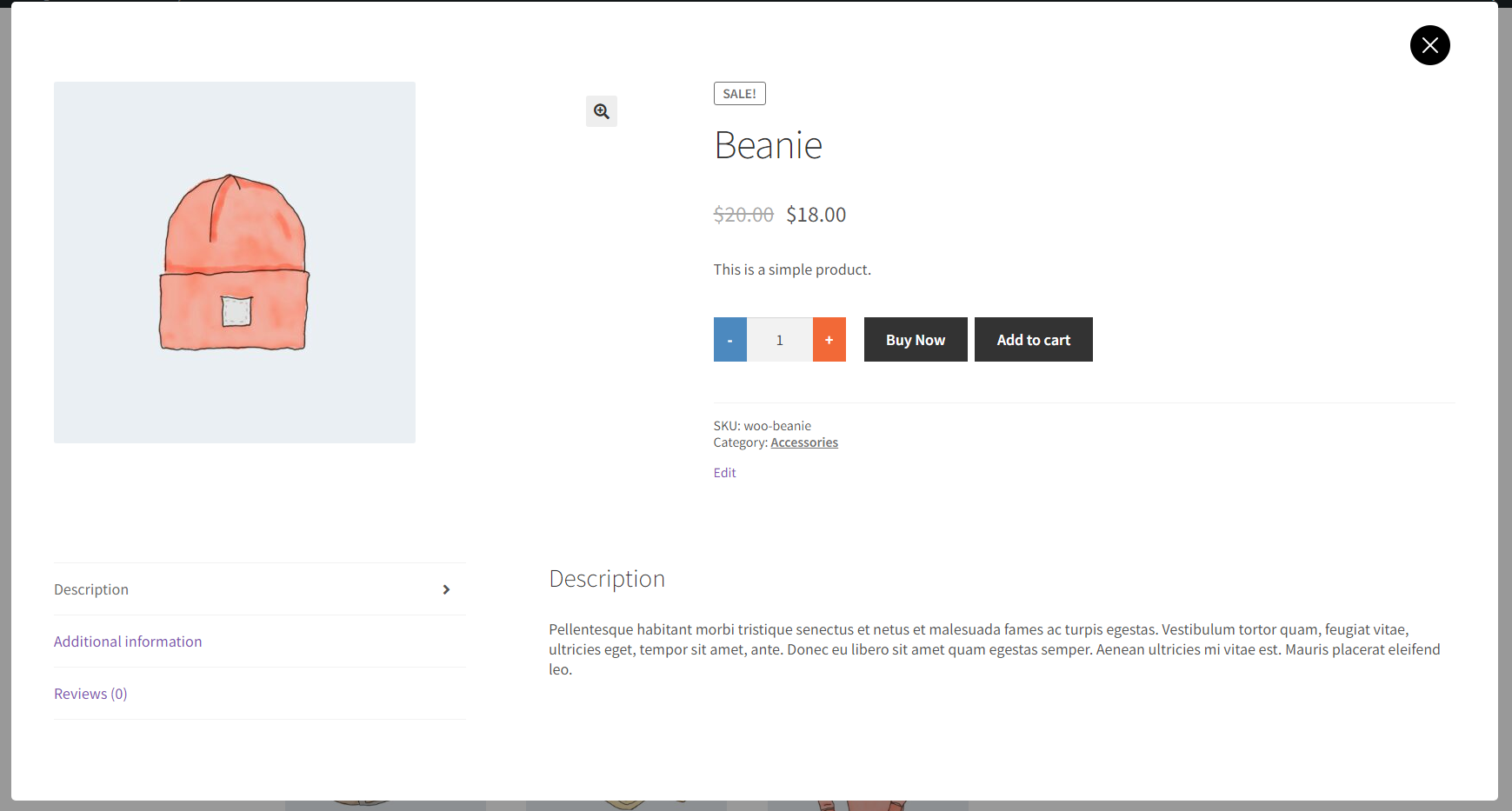
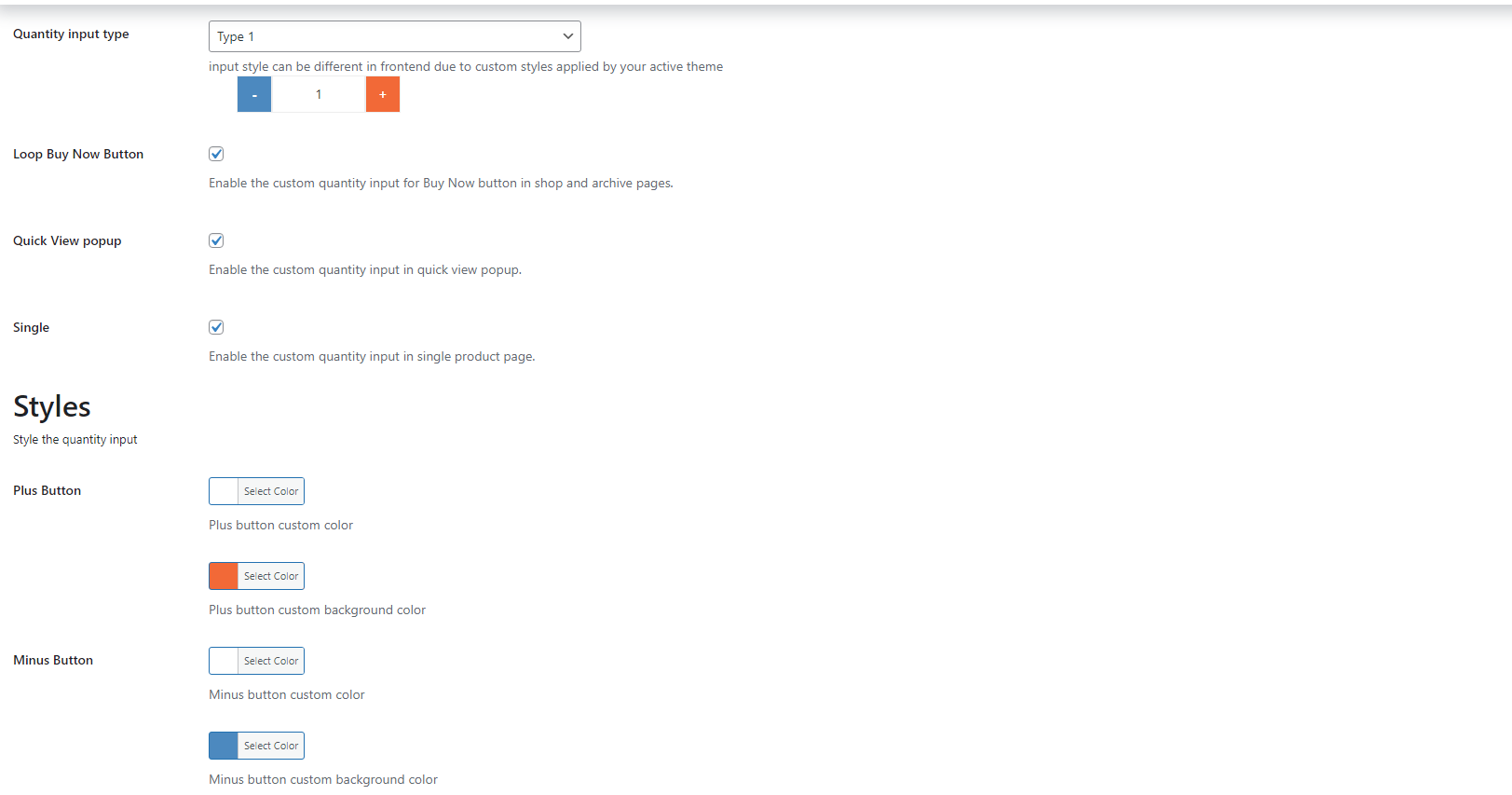
Custom Quantity Field
Loading Screen
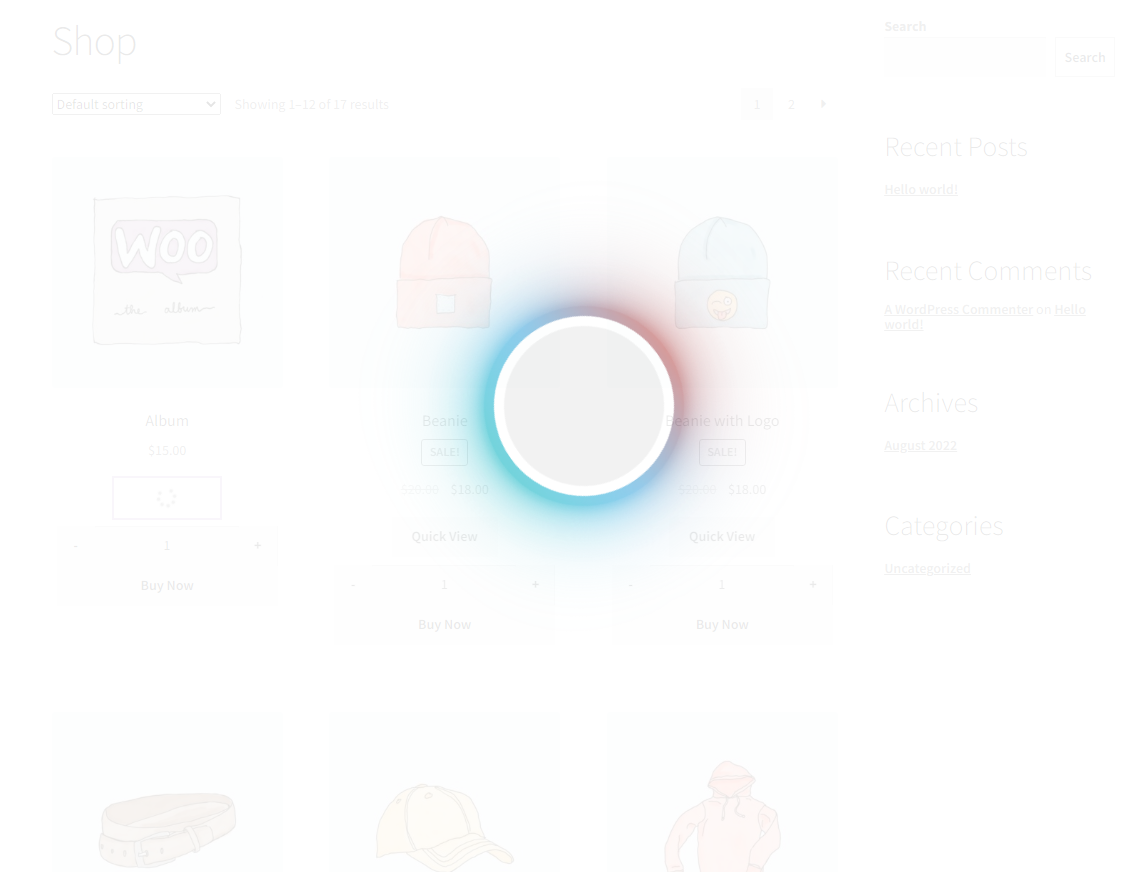
You can now display loading screen while buy-now process and Quick View popup is opening.
Custom Quantity input
You can now use custom quantity input and control the field styles.
V 2.2.6
Direct Purchase
Custom Colors
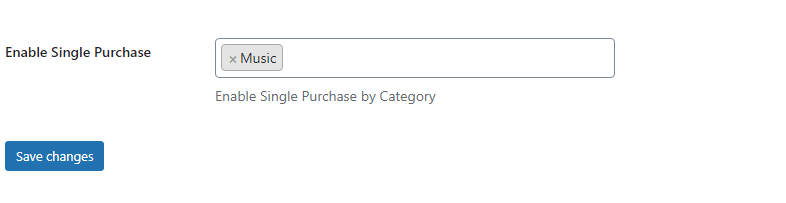
Direct Purchase
Force specific products to be purchased alone isolated from other products.
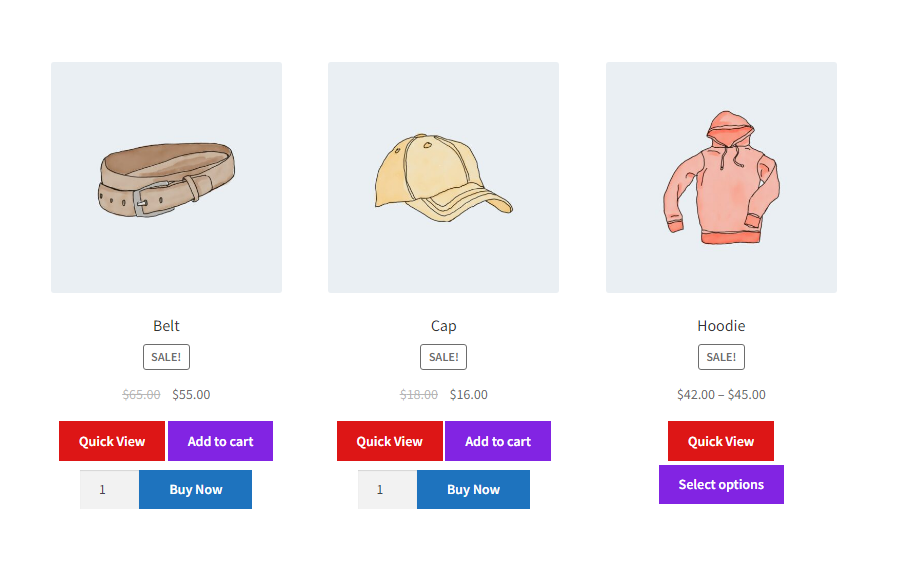
Custom Buttons Colors
Add custom text and background colors to [ Buy Now | Quick View | Add To Cart ] buttons
V 2.2.8
Popup Pagination
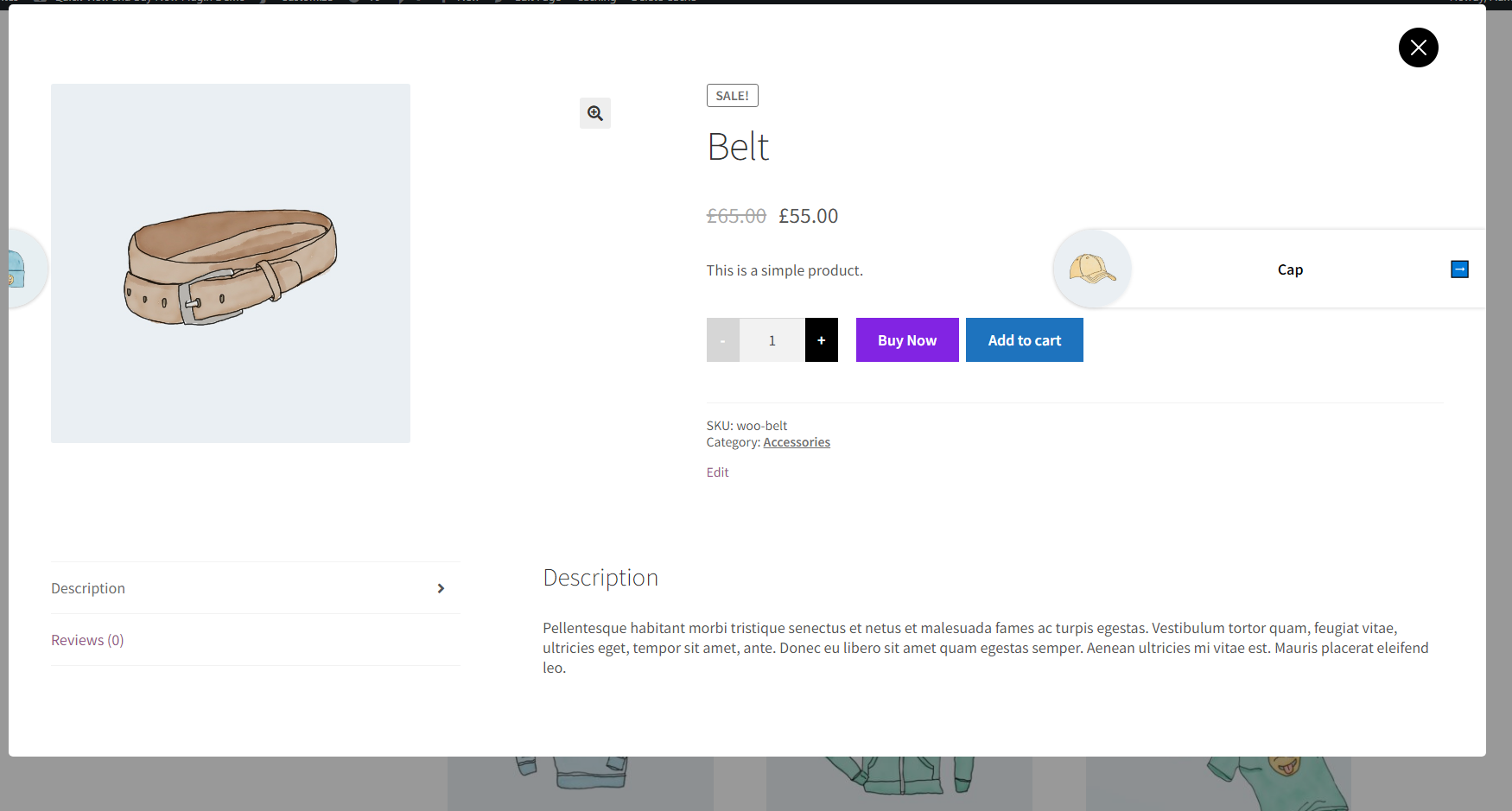
Quick View Popup Pagination
Customers can navigate through shop and archive products from the Quick View Popup.

V 2.2.10
WPML Multi Currency Compatibility
Pre-Sale Question ▼

Do you have a question? feel free to ask
Thank you for contacting us, We have received your inquiry and will contact you
Features list
- ✅Quick View popup for simple, variable, grouped and external products
- ✅Control Quick View button title, position, color and background color
- ✅Control Quick view popup sections, animation
- ✅Quick view popup pagination
- ✅Change Add To Cart button text, color and background color
- ✅Change Added to cart notice
- ✅Control redirects after add to cart for simple, variable and grouped products
- ✅Buy Now button for simple, variable and grouped products
- ✅AJAX buy now button
- ✅Control Buy Now button title, position, color, background color and redirect page
- ✅Buy Now button in loop and shop pages
- ✅Direct purchase products in isolated orders
- ✅Custom loading screen for Quick View popup and Buy Now button
- ✅Custom Quantity input field
- ✅Display Cart table in checkout page
- ✅Display Quantity input field in loop and shop pages
- ✅Enable - Disable Quick view and Buy Now buttons per product
- ✅Show - Hide Add To Cart button per product
- ✅Custom "Add To Cart", "Quick View" and "Buy Now" buttons titles per product
- ✅Custom redirects after add to cart and buy now per product
Pick your license
Agency
- Up to 25 sites ?
- One-time payment
- Lifetime updates & support
- Support ticket
- Priority support
Get it in the Product Launch Bundle
All 3 plugins for one low price:
- Coming Soon Products
- Simple Countdown Timer
- Quick View and Buy Now for WooCommerce

Backed by a 14-day refund policy
If our plugin doesn't work as promised, you're backed by our 14-day refund policy to request your money back.
More about our refund policyReviews
FAQs
How to make sure the plugin works with your current Theme? ▼
You can check the Free Version of the plugin first before upgrading.




Michael Lutes (verified owner)
This plugin was missing one thing, but I reached out to support and they added it for me. If you get stuck, reach out to them, they are really helpful. Being able to chat to a human made the world of a difference.
Suren Dernegi (verified owner)
WooCommerce button is awesome! I loved that. But Grand Plug-in should give this “Buy Button” life time. I loved the option to enable and disable “Add to cart” and “Redirection Url” option for Add to Cart as well along with Buy Button. Lovely plug-in. Do Try once, you never loose chance.
Deon Kretzschmar (verified owner)
It works as expected! When I had an issue with the plugin not being compatible with one of my other plugins, the support team was quick to answer my emails and they updated the plugin to be compatible.
TAUSEEF K. (verified owner)
I’m really enjoying the “Quick View and Buy Now” plugin—it’s incredibly helpful and works smoothly with my setup. One suggestion I’d like to offer is to consider updating the plugin’s compatibility with PHP 8.2 or newer. Currently, it tries to add properties (_page_slug and _page_url) to an object without defining them in the class structure, which was acceptable in older PHP versions but is deprecated in PHP 8.2 and beyond. An update would help ensure broader compatibility and future-proof performance. Thanks for the great work!
Let me know if you’d like a shorter version or want to post it somewhere specific.
GrandPlugins (verified owner)
Thanks for the review and the heads up!
A new version has been added ( V2.3.1 ) with a fix for the deprecation.
Best!